
Censa™ Technology Expense Optimization
Find The Money Hiding In Your Software Bill
Censa reviews every software and technology expense across your stores and flags what’s duplicated, unused or still billing after you moved on. Then we walk through every finding together, and you decide what stays.
What Censa Finds
Waste Hides Between Stores and Departments
Each store and department buys what it needs. Over time the same job gets paid for twice.
Overlap
Two Tools, One Job
CRMs, chat, schedulers and more doing the same work, including jobs your CRM or DMS already covers.
Seats
Seats Nobody Uses
Licenses checked against your real headcount by department.
Contracts
Same Vendor, Many Deals
Each rooftop on its own contract and its own price.
Still Billing
Charges That Outlived the Tool
Subscriptions still posting months after a switch.
What You Get
A Decision on Every Line, and the Dollars Behind It.
- Savings in dollars, from the decisions you made.
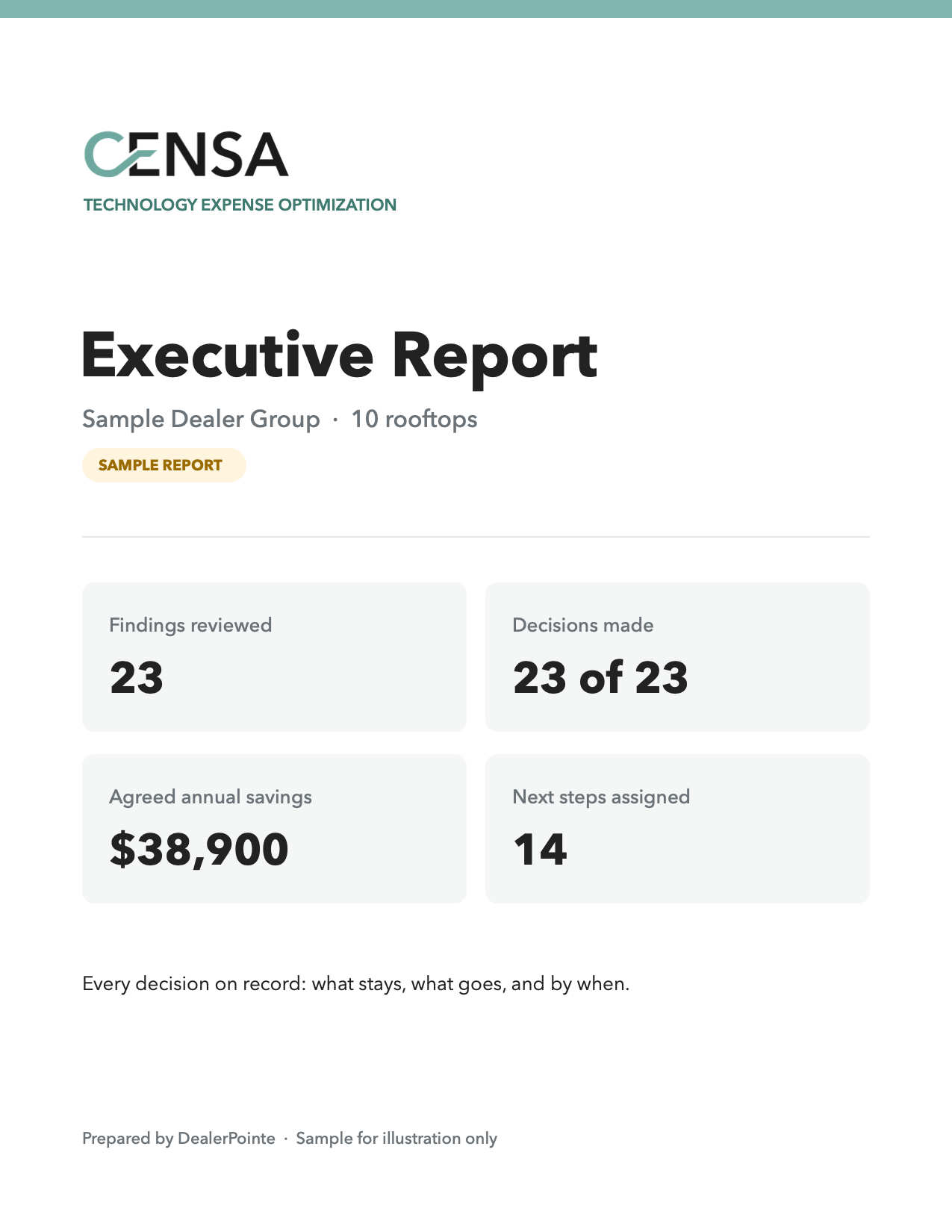
- Every decision on record: what stays, what goes, and by when.
- An action plan your team can carry out.
- Optional Censa Plus: a 12-month plan with quarterly check-ins, so savings don’t leak back.
Your Data
We see as little of your data as possible, protect what we see, and permanently delete it when we're done.
- Six columns only, not your full G/L.
- Account and check numbers masked before anything is saved.
- Each dealer's data kept separate and encrypted.
- Deleted 7 days after your report is delivered.
- Nothing to install and no access to your systems.
- No customer data. Censa never asks for or stores information about your customers.
- Secure sign-in: a one-time emailed code, or two-step sign-in with an authenticator app.
How It Works
Three Steps. About an Hour of Your Time.
Step 1
Send Your Software Lines
Your controller exports software and technology expense lines from the DMS and uploads them after a secure sign-in. Six columns, not your full G/L.
About 10 Minutes
Step 2
Review Them Together
We walk through every finding on a Microsoft Teams call. You mark each one keep, cut, or right-size. We may send a few quick questions about your add-ons before the call.
One 45-Minute Call
Step 3
Get The Report
An executive report with every decision, the annual savings behind it and who owns each next step.
Same Day
Questions
What Dealers Ask First
Do you need our whole general ledger?
No. Only software and technology expense lines, in six columns: store, vendor, department, amount, date, and seats. A file with any other column is turned away before it’s read.
How long does it take?
About 10 minutes for your controller to export the file, and one 45 minute call with you. The report arrives in 3 to 5 days.
Will you contact our vendors or cancel anything?
No. You decide what happens to every line. We only contact a vendor if you ask us to.
Do you log into our DMS or other systems?
No. Your controller exports the lines and uploads them. We never have access to your systems.
What happens to our data afterward?
The expense lines are permanently deleted 7 days after your report is delivered. The report is kept for 12 months, then deleted. You keep the report and your decisions.
What if our stack is already clean?
Then the report confirms it, line by line, and you have that on record.
Is Censa only for large groups?
No. Single stores often have the most forgotten subscriptions, and pricing starts at one rooftop.
What does it cost?
It depends on how many rooftops you have. We walk through pricing on the demo call.
After Censa
Where a Censa Review Often Leads
Make the Tools You Keep Work
Technology enablement and on-site coaching through Process Design & Customer Retention.
Just Bought a Store?
Review the new rooftop’s contracts before they renew, as part of a 90-day integration.
Censa Plus: Keep it From Creeping Back
A 12-month plan with quarterly check-ins. We handle the cancellations and look at every new tool and renewal before it adds up again.